MiniMax-H3-Int8Convrot极速版,文图生视频,8G显存可用,自动补帧,25步采样,自定义分辨率,自适应端口,自动提示词,首尾帧,批量任务队列
MiniMax-H3-Int8Convrot极速版,文图生视频,8G显存可用,自动补帧,25步采样,自定义分辨率,自适应端口,自动提示词,首尾帧,批量任务队列
运行环境
框架版本
CUDA版本
13.2
应用
JupyterLab: 8888
支持卡型
A80048G RTX40系
+8
版本更新
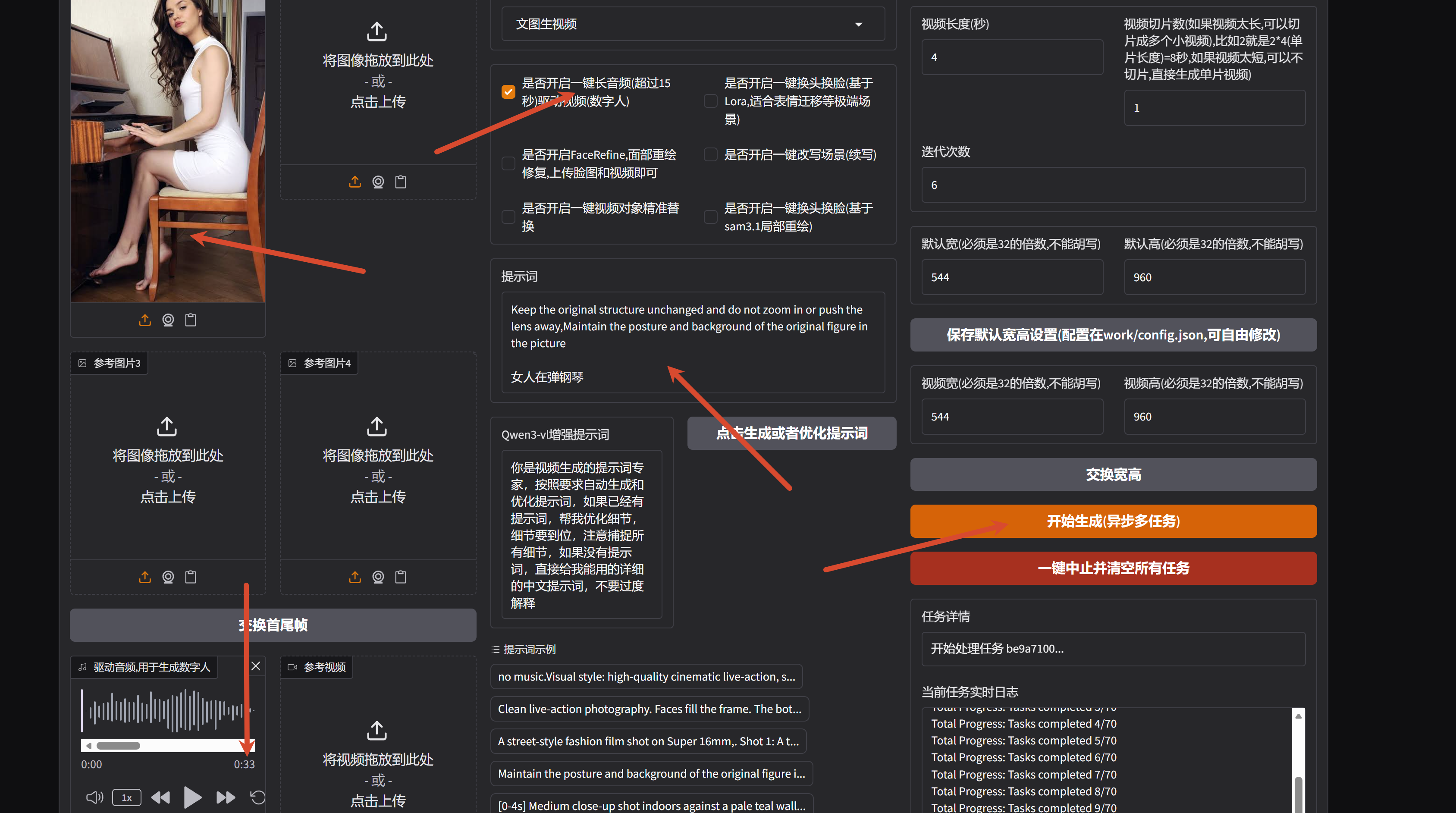
V20.0 更新基于Lora的BFS角色替换,修复一键长音频驱动越往后视频越劣化的问题
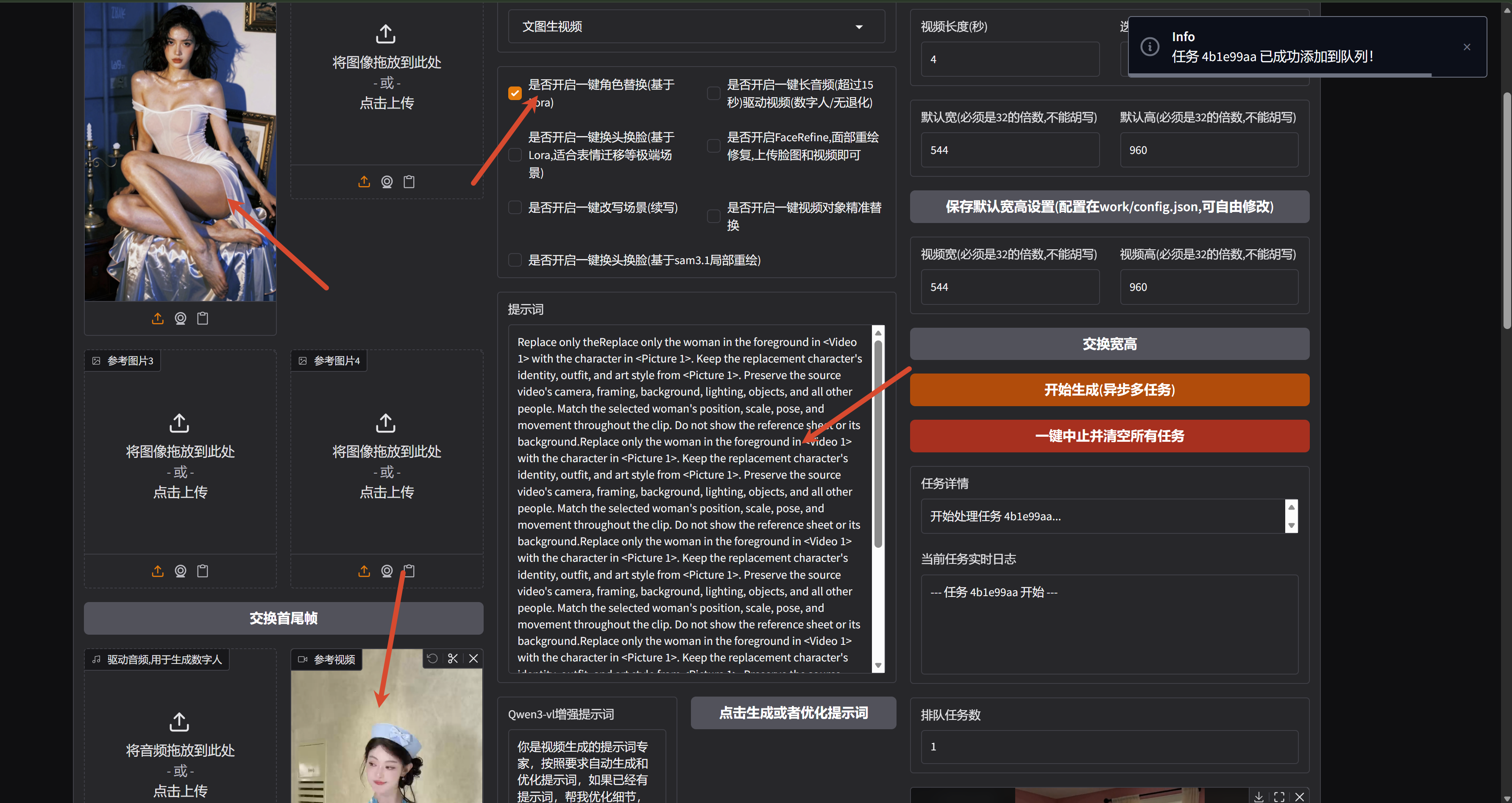
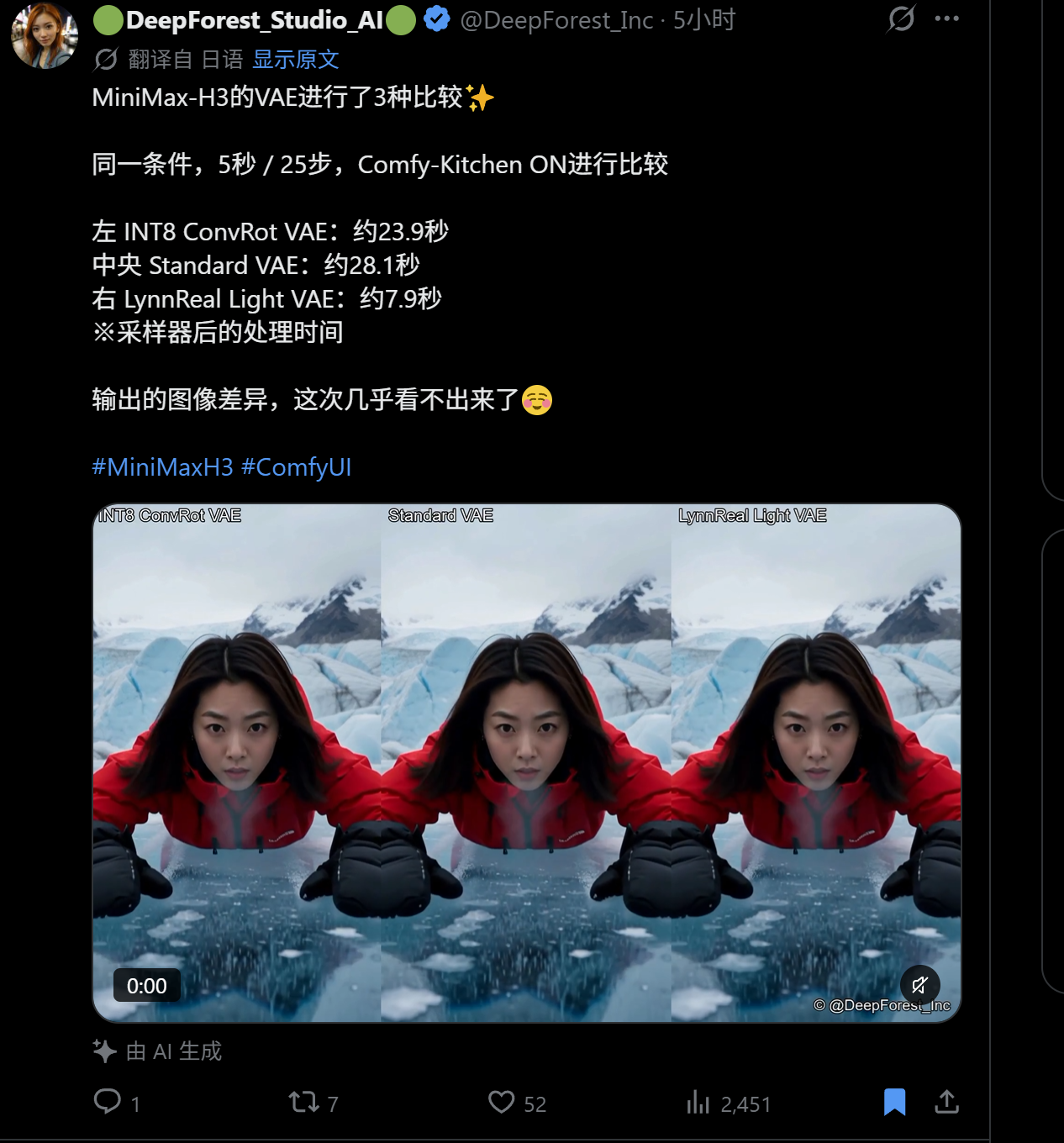
v19.0 修复初始化有概率失败的问题,更新最新的高速编码器 LynnRealRight,增加一键长音频驱动功能
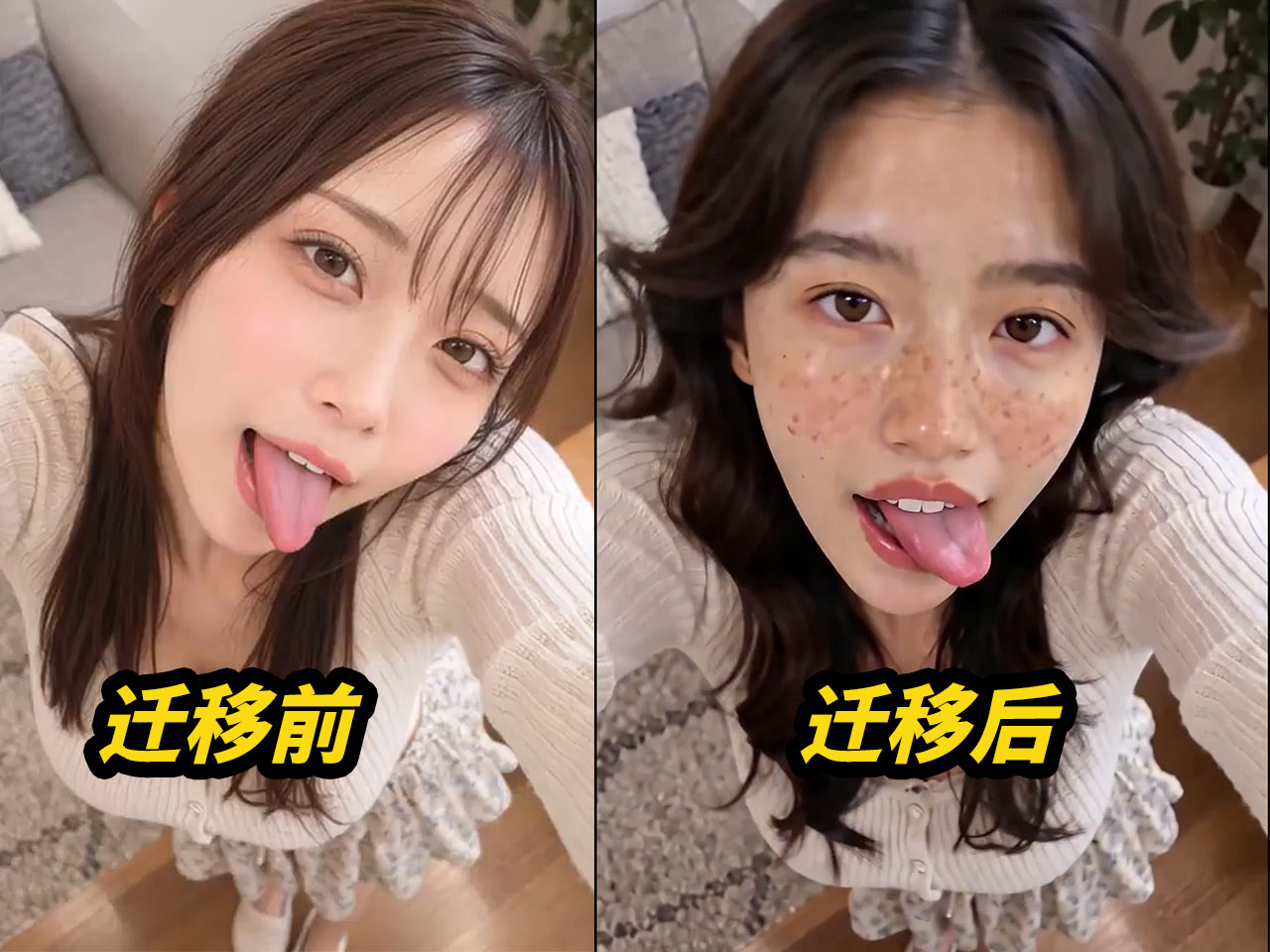
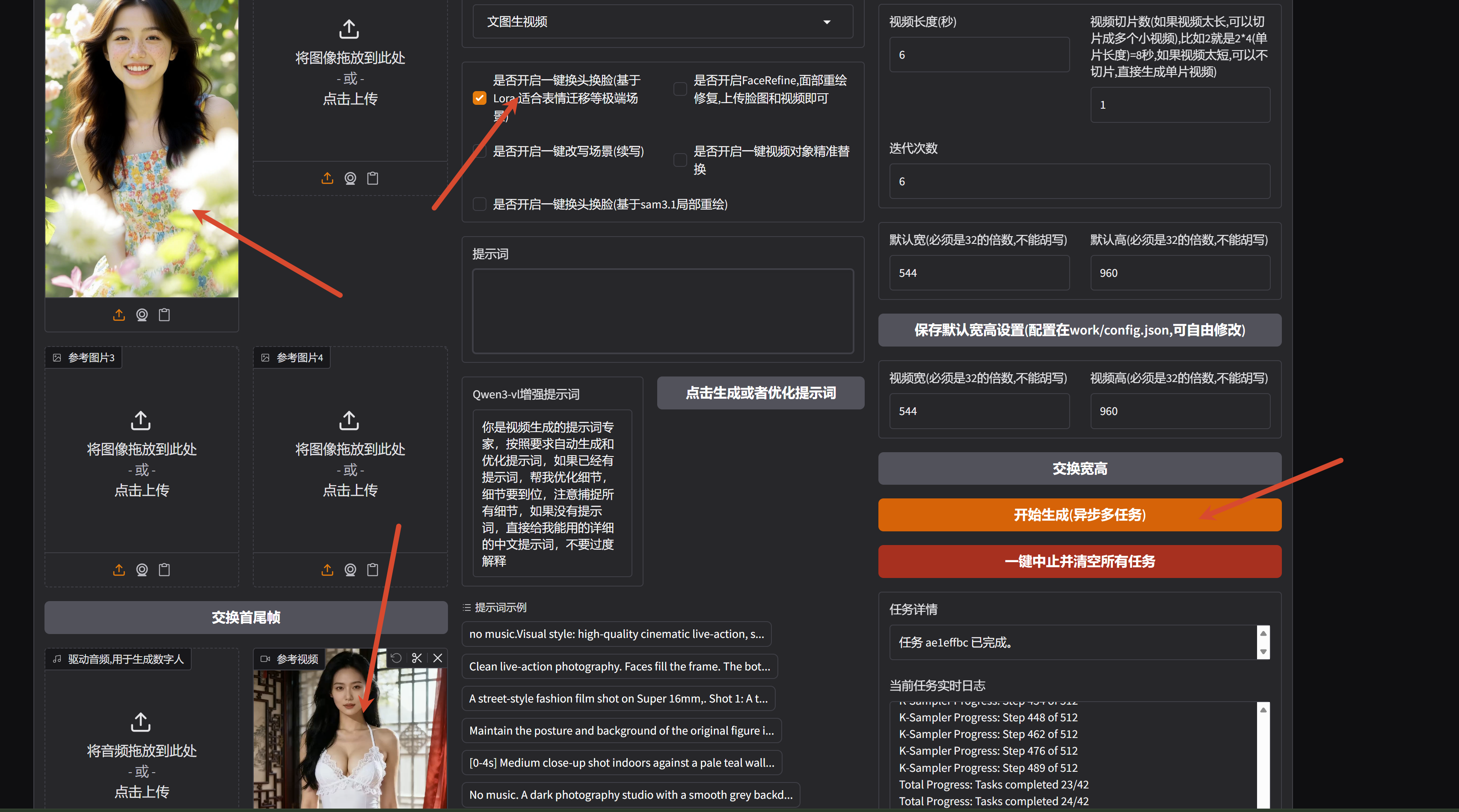
v18.0 修复文生视频报错问题,新增基于 lora 的表情迁移,一键换头换脸
模型作者:
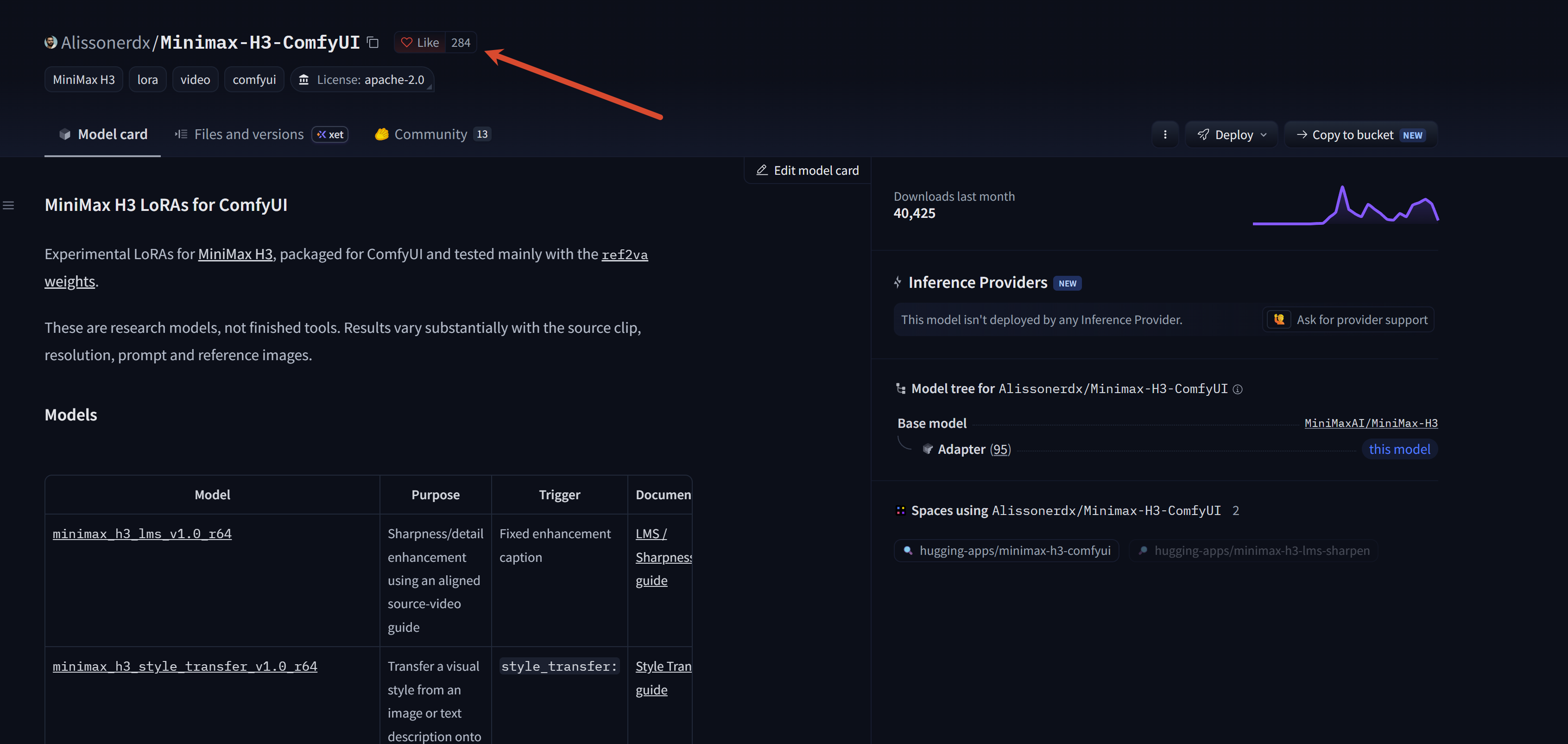
v17.0 修复图生视频角色不一致问题,修复精准替换报错问题,更新KJ的int8编码器速度更快,新增面部重绘修复功能(用来修复中远景面部崩坏问题)
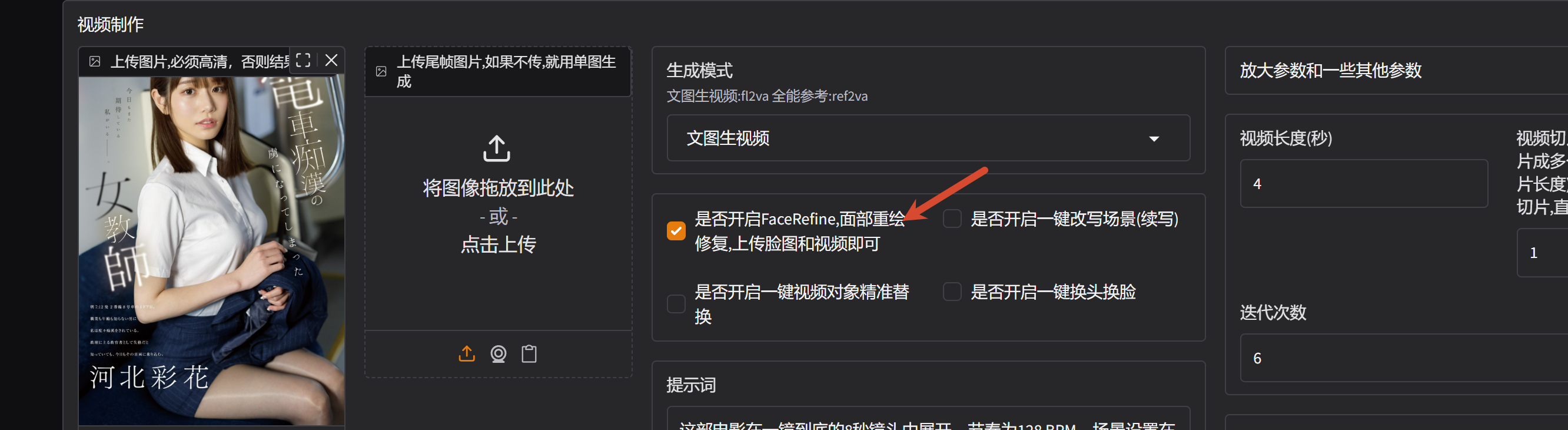

v16.0 更新 selflift 自提升机制 更新 selflift 数字人 更新 一键视频场景续写
单视频通过提示词直接修改
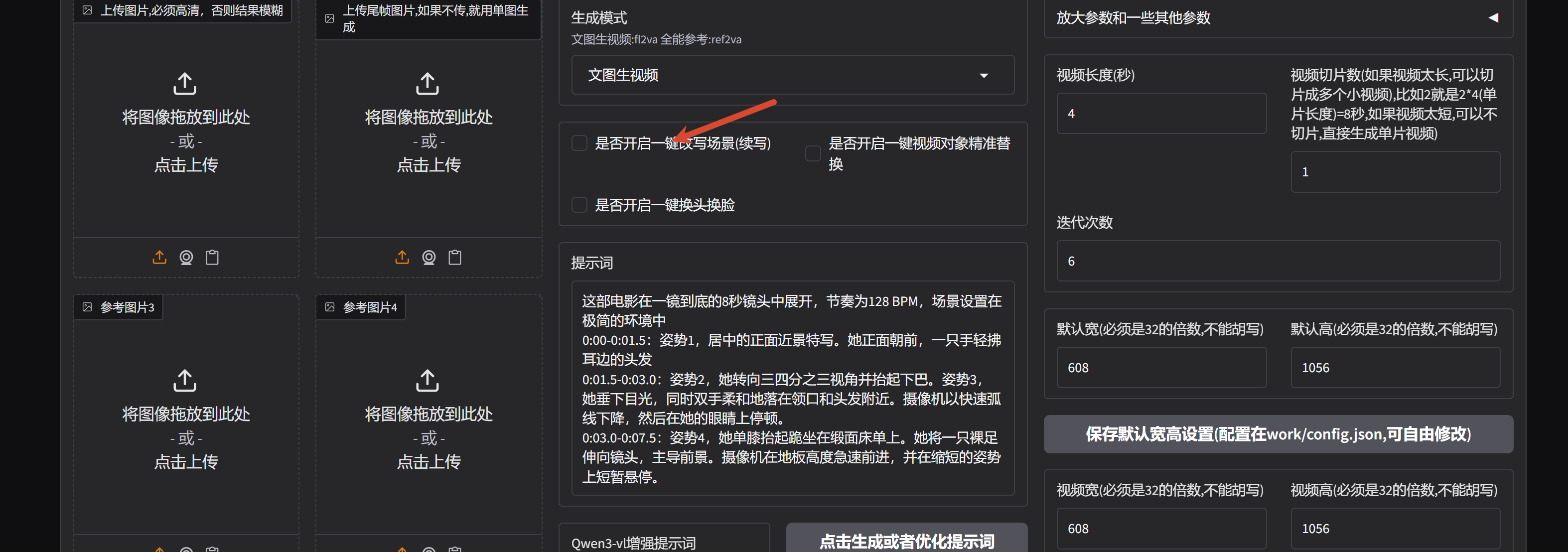
V15.0 修复一键对象替换可能出现的音画不同步问题,新增一键换脸模式
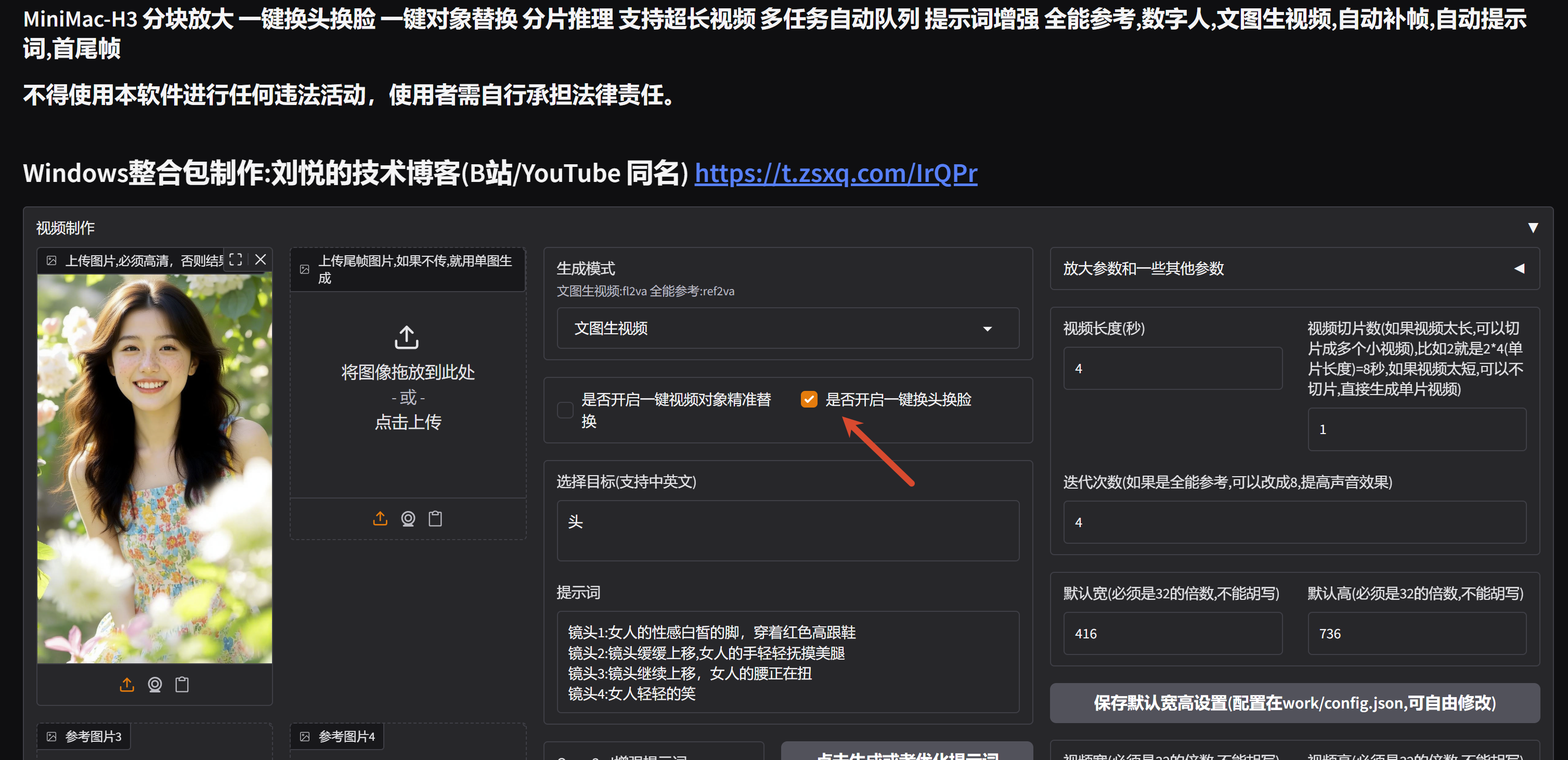
替换效果:
目标

结果
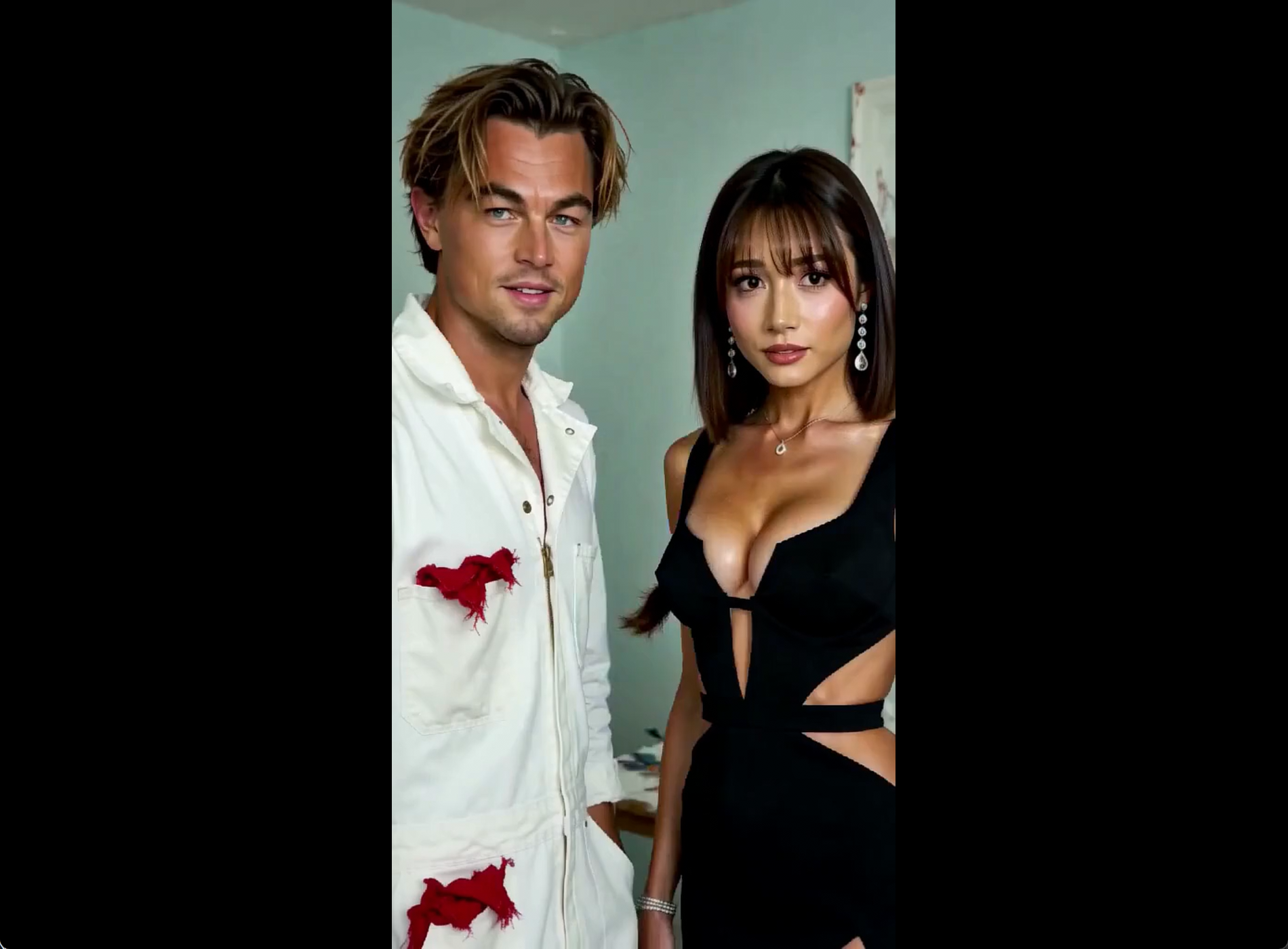
V14.0 使用最新的分块放大逻辑,性能更好,新增一键视频对象替换功能,无需提示词,一键替换即可
分块放大节点作者:https://github.com/bbaudio-2025/Comfyui-MMH3-UltimateUpscale
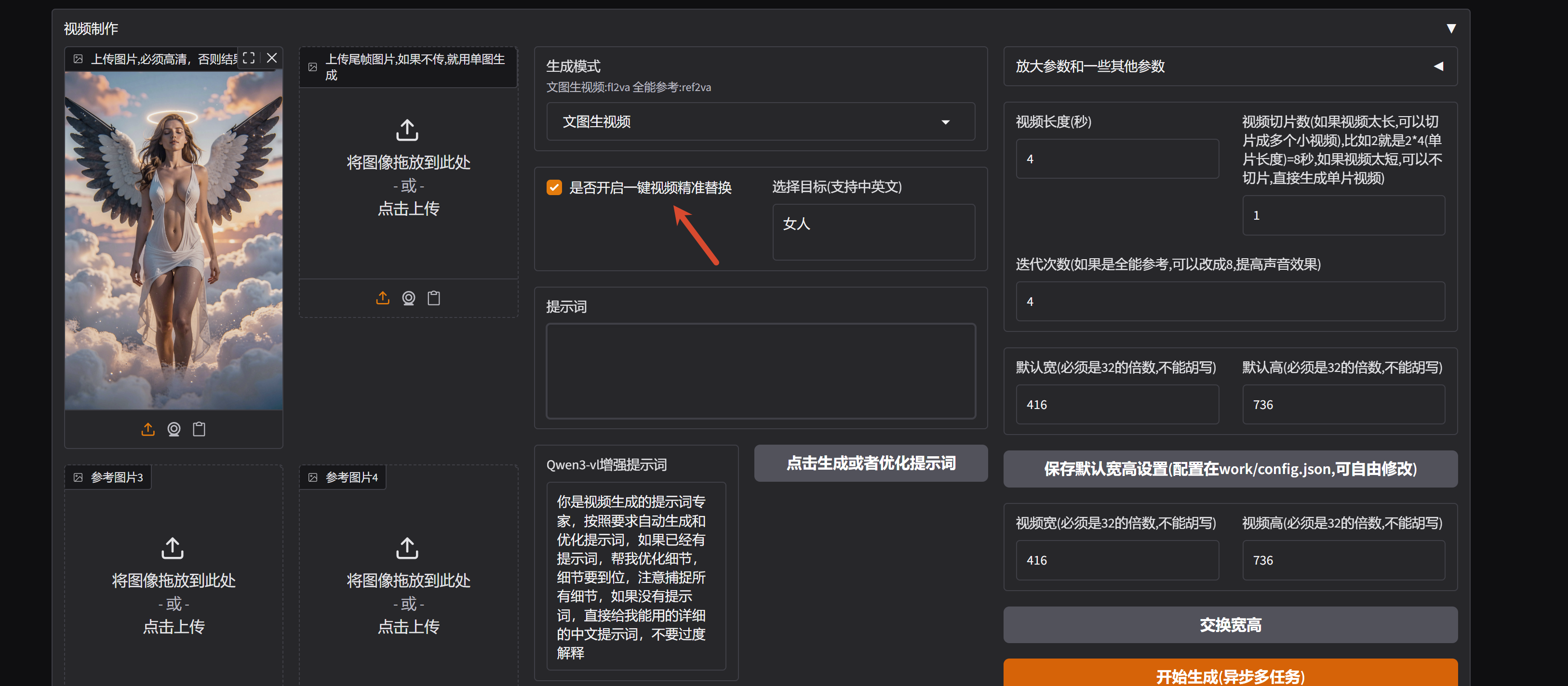
v13.0 修复切片为1时报错问题,修复多个切片时,视频内容重复的问题
多个场景描述用 --- 分割
no music.Visual style: high-quality cinematic live-action, sharp focus, clear details, professional lighting, no blur.
[0-3s]
The beautiful and sexy super woman is kneeling on the ice with bare feet,looking at the camer
---
[3-8s]
She had an orgasm on her face and speaks in Chinese voice: <d>[Chinese] 晚安,玛卡巴卡</d>
v12.0 新增分片推理,可以生产超长视频,默认单片推理,设置多个片段后,利用上下文融合多个片段
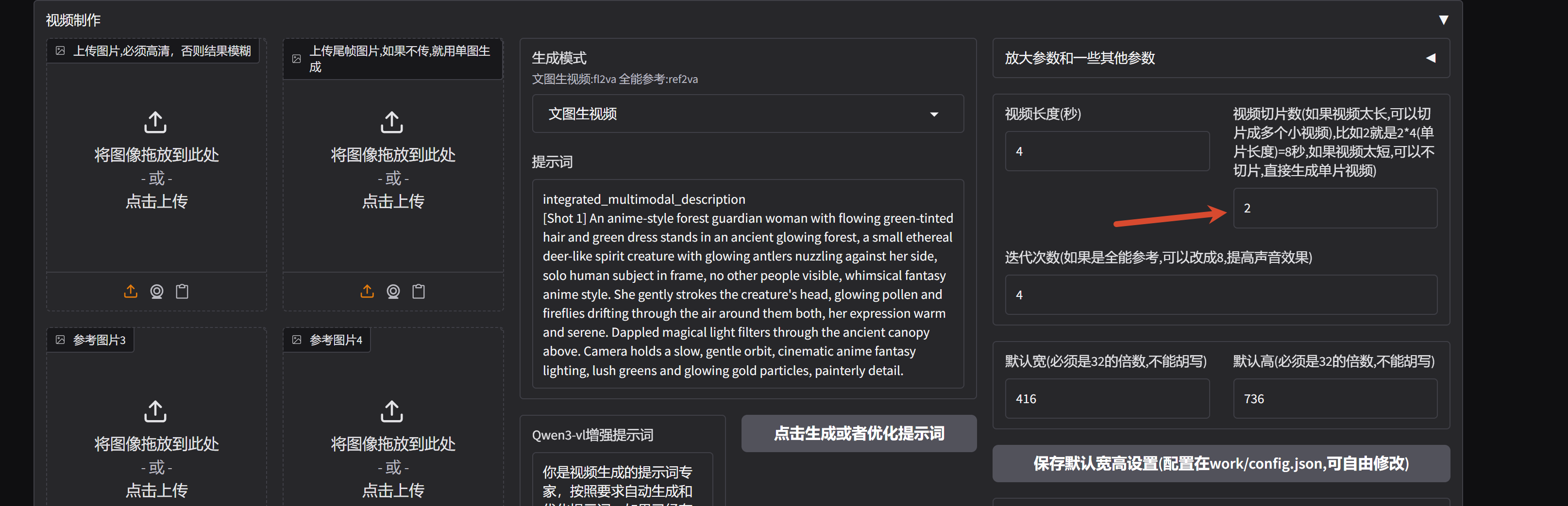
v11.0 增加最新发布(0821)的潜空间放大节点,解决动态模糊问题,可以访问comfyui来查看最新工作流,也可以直接使用webui
节点作者:https://github.com/LBH-123-AI/Comfyui_Minimax_h3_latent_Upscaler
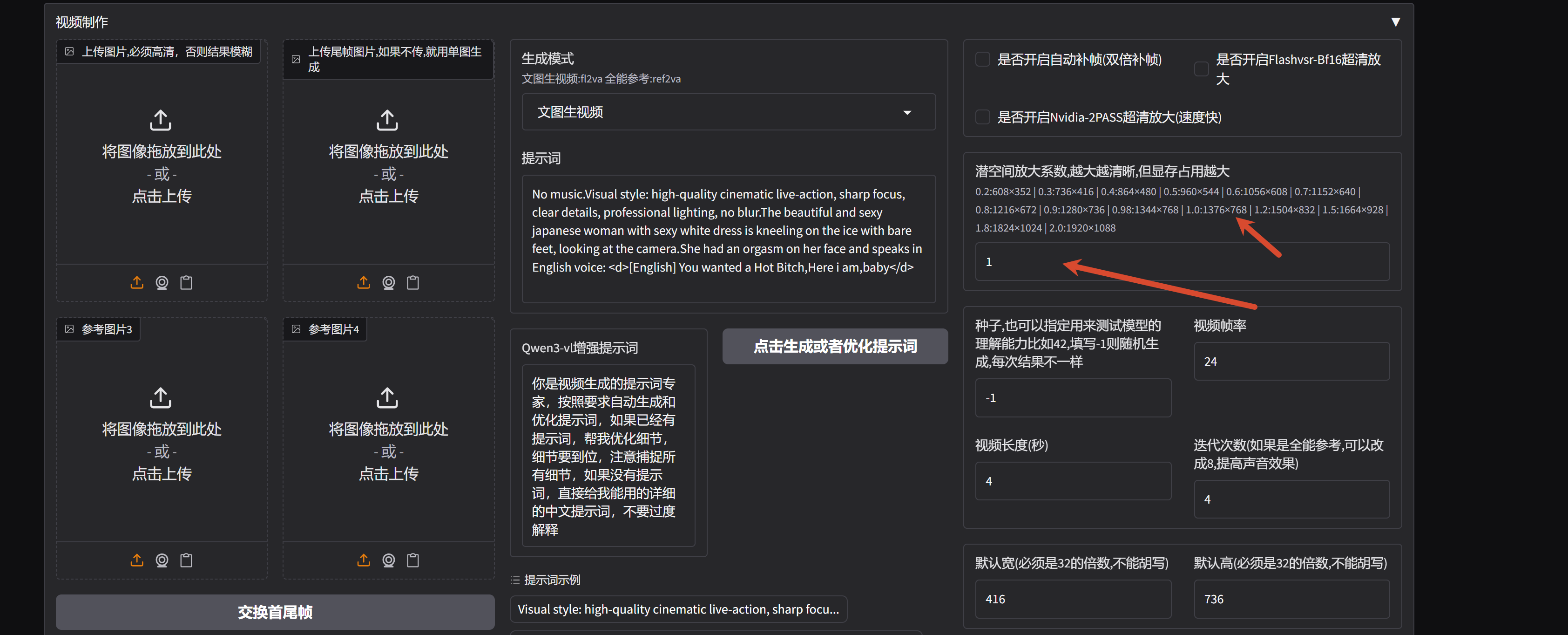
红潮特化版本已经发布:https://www.compshare.cn/images/yys0Opat56f6
v9.0 修复多任务队列模式,可以一次性生产多个任务,无需等待任务结束,没有任务上限:

增加 sol-attn加速
节点作者:https://github.com/kijai/ComfyUI-SolAttn_triton
增加提示词增强功能
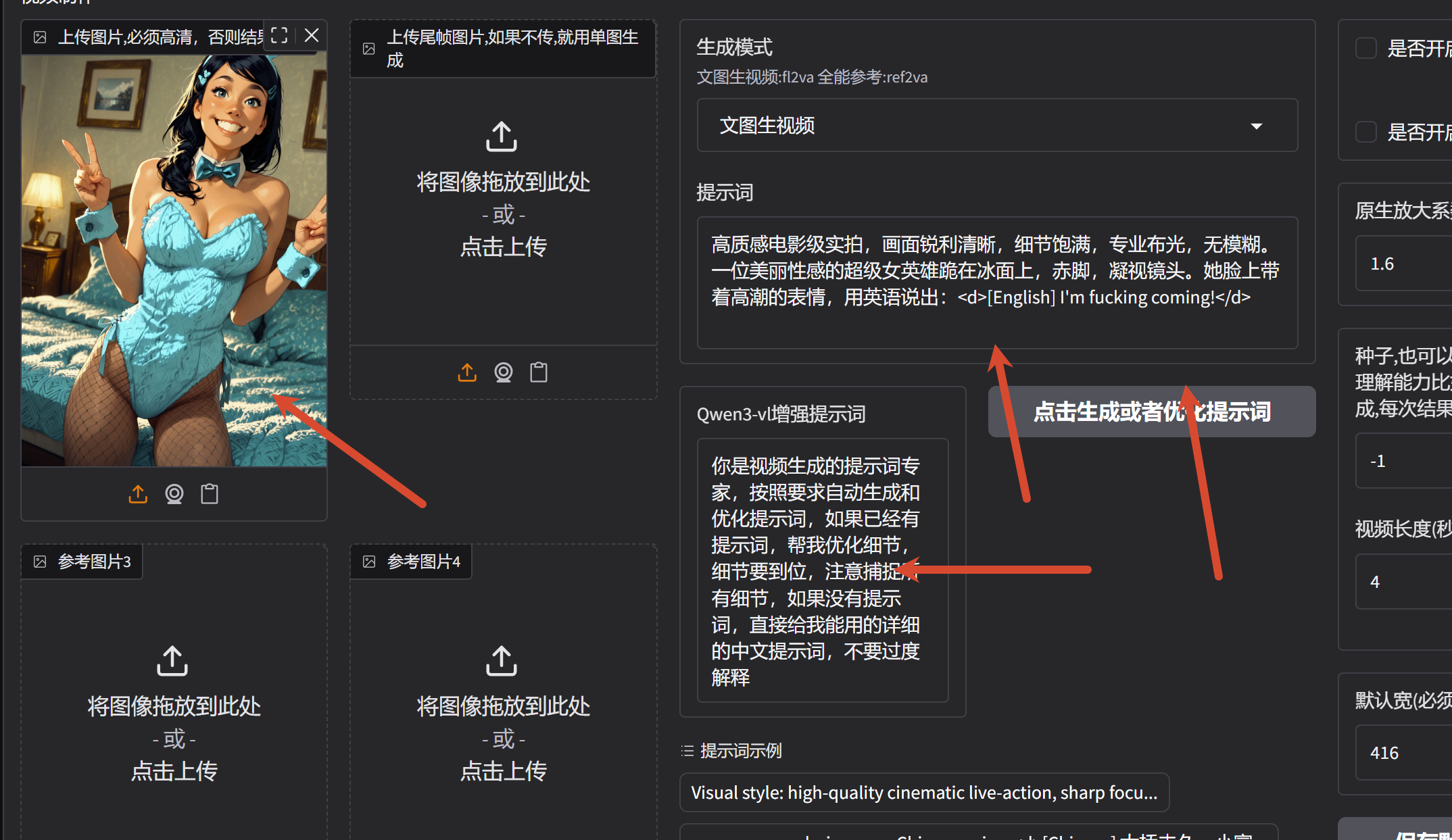
V8.0 增加新的采样器放大逻辑,在第二步开始放大,并且比对像素后对图像二次放大,速度更快,且分辨率更高,暴露放大系数,用户可以自由修改
采样器增强作者:https://github.com/blepping/ComfyUI-bleh
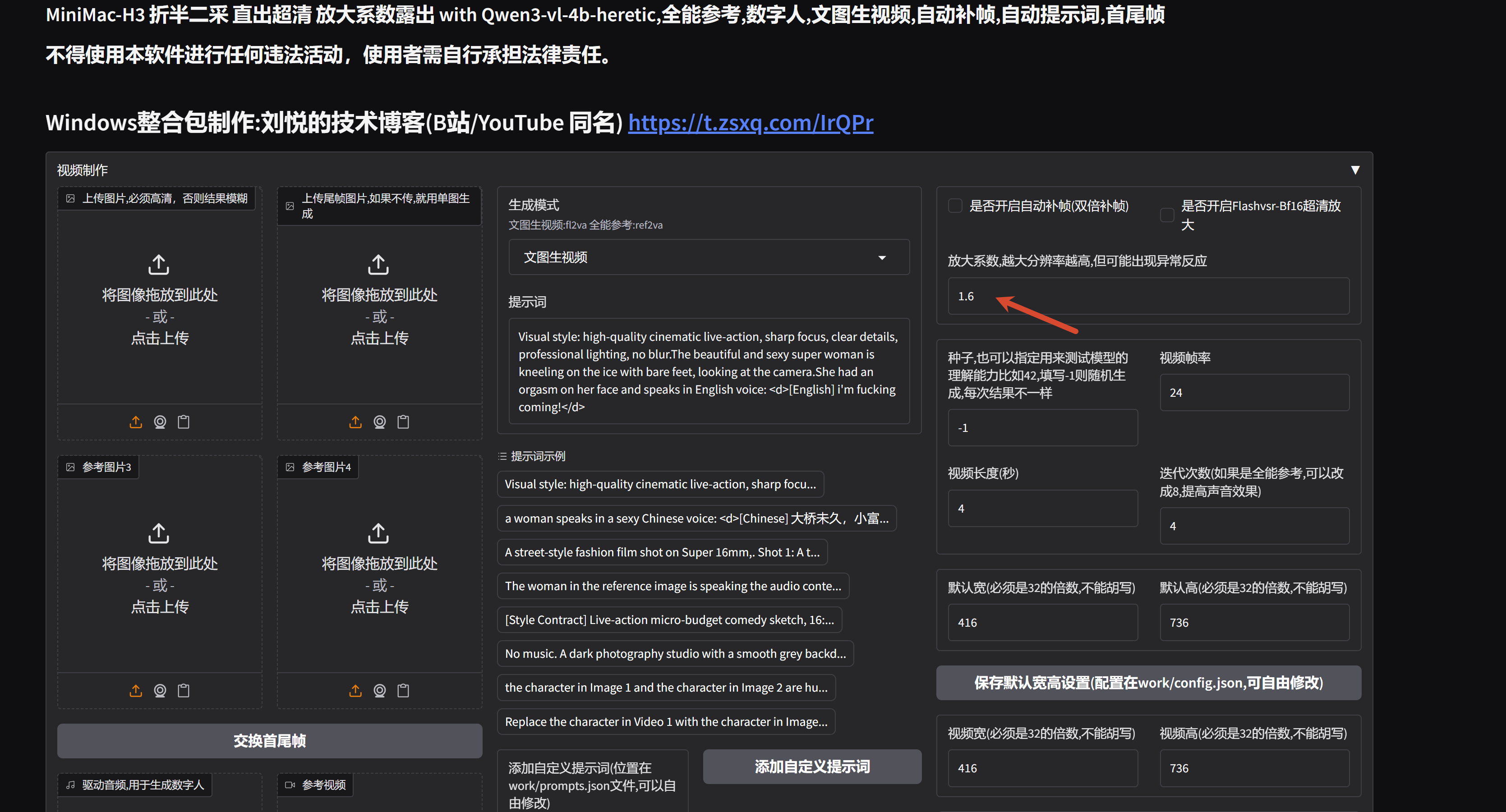
衍生模型 10Eros-Max-test4 已经发布,由于是融合模型,效果和官方模型差异较大,可以移玉步 :https://www.compshare.cn/images/rm76kCxIo4vX?referral_code=8bQMc6bGyqdGE5TDVX8Uqb
v7.0 更新使用 Qwen3-vl-4b-异教徒版本文本编码器,体积更小速度更快,但是画面更清晰,更换 bf16 精度音频解码器,从而修复 ref2va 的概率性声音问题
4b编码器作者:https://huggingface.co/NicoLab28/ClipProj-MiniMax-H3
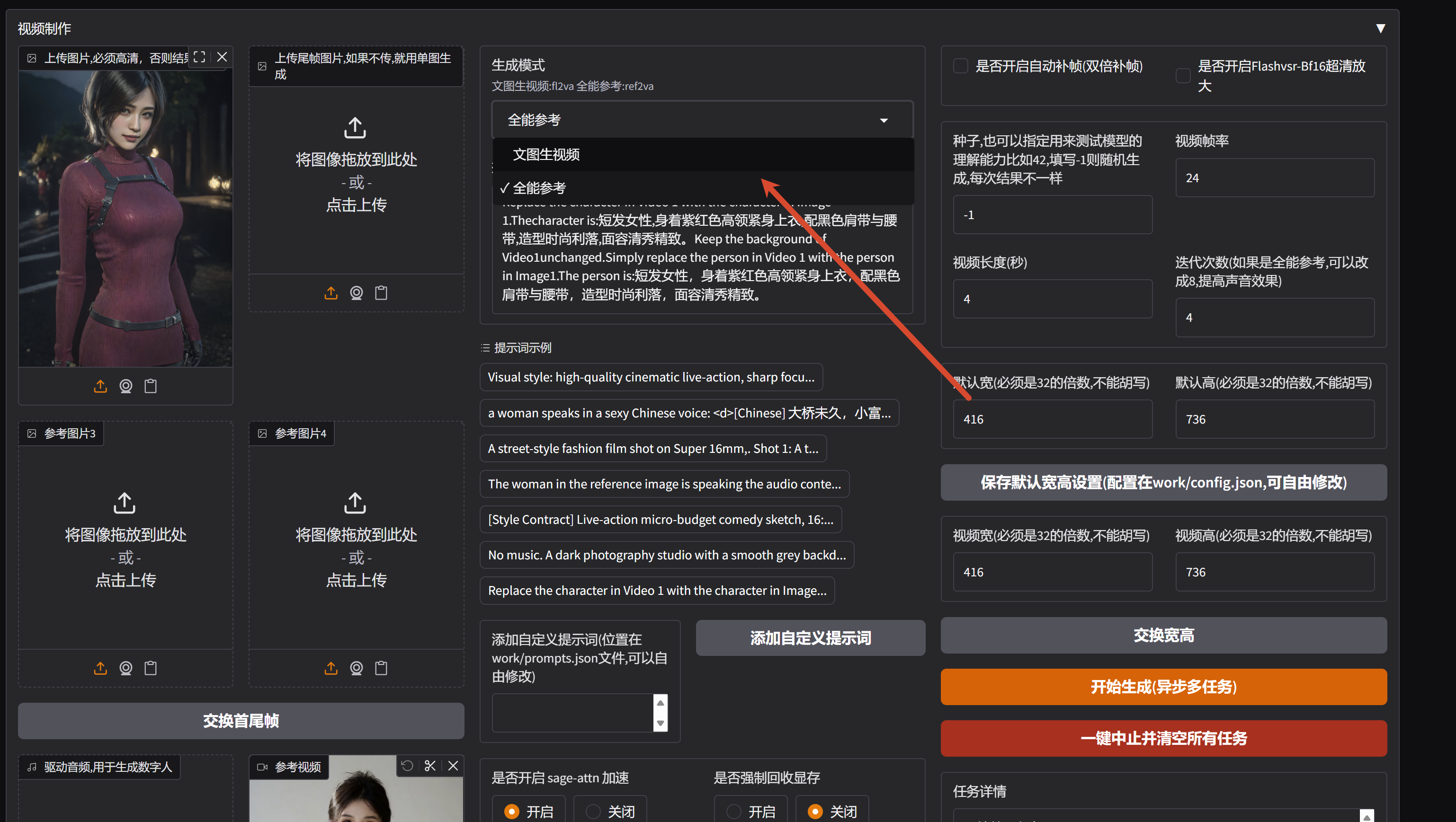
V6.0 合并 fl2va ref2va 两个模型界面,通过选择模型来决定业务,增加视频参考逻辑和角色替换模版,更新各种业务提示词模版,包含厂牌动画模版等,增加3张以上的图片参考逻辑
v5.0 新增二次采样高清放大,无需修改分辨率即直出高清视频,更换 lightx2v 四步lora,全模型 4步迭代
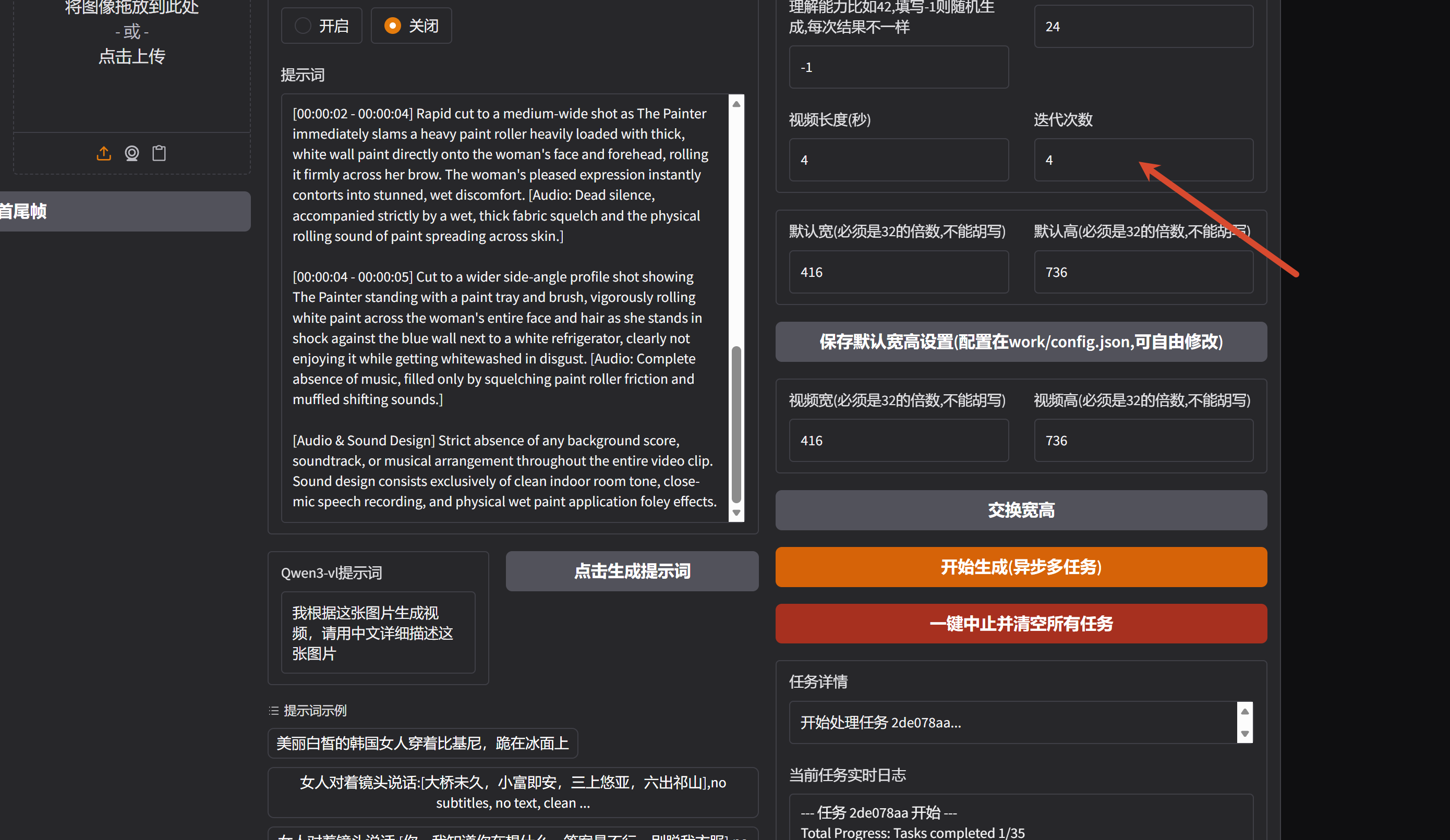
默认视频清晰度:

v4.0 更新加速lora,所有裁剪模型都可以6步出视频,包含fflv和re2v模型,更新kj最新优化节点,低分辨率更清晰
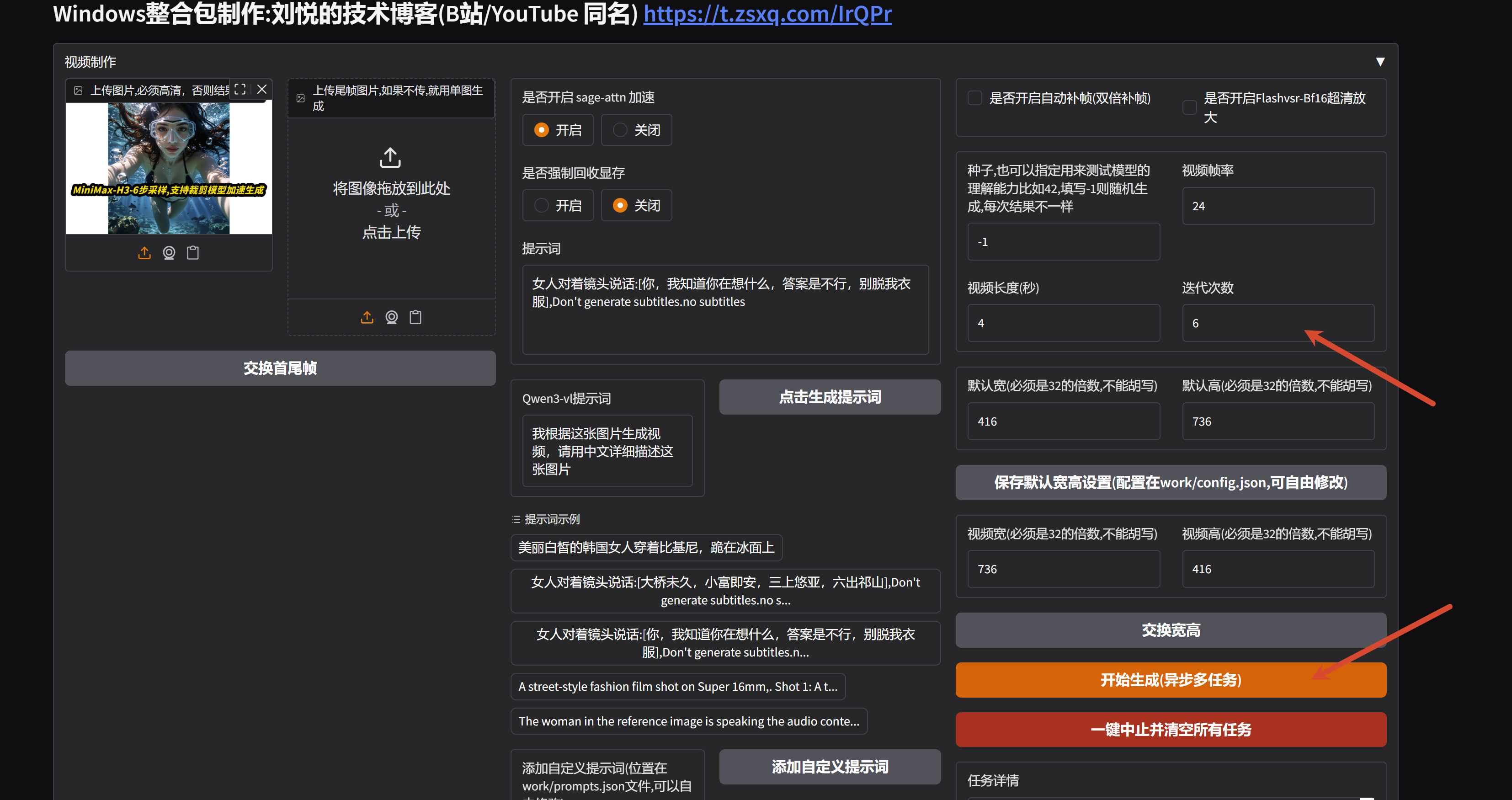
V3.0 更新最新的编码器,优化体积和速度,新增新版 Flashvsr-bf16 视频超分放大
新增新版的多运镜提示词模版
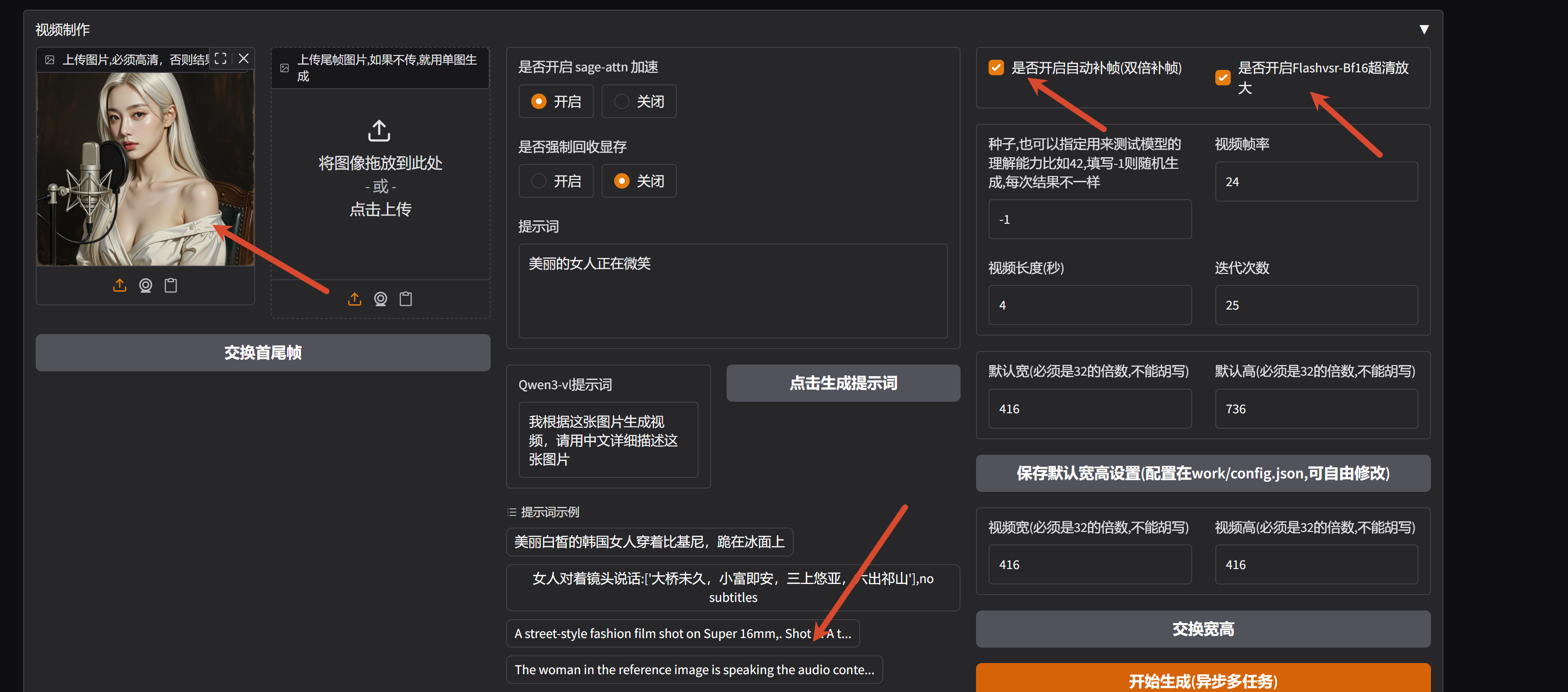
V2.0 新增加速组件包含但不限于 EasyCache Sage w8v8引擎加速, 5090 默认分辨率5秒只需要30秒生成,修复低帧率音画不同步问题,修复有些图片尺寸导致视频拉伸问题,新增语音提示词模版
镜像简介
1、该镜像支持自启动,初始化后,需要等待服务启动,大概2分钟左右,可以输入命令 tail -50f /root/wan/log.txt 查看启动日志
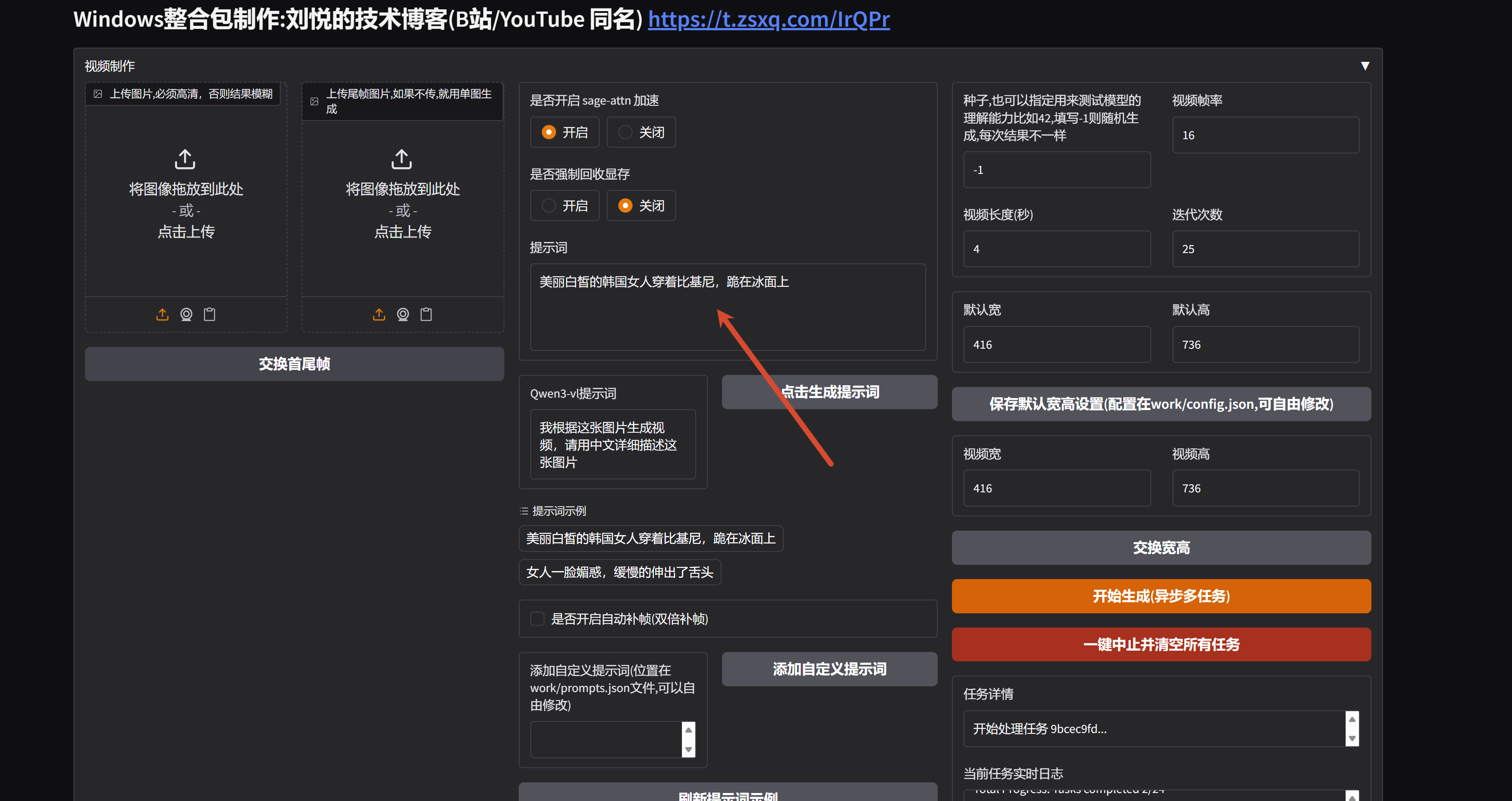
2、随后点击 SD-WEBUI 按钮即可,上传图片,输入提示词,点击生成即可,支持批量任务
图生视频
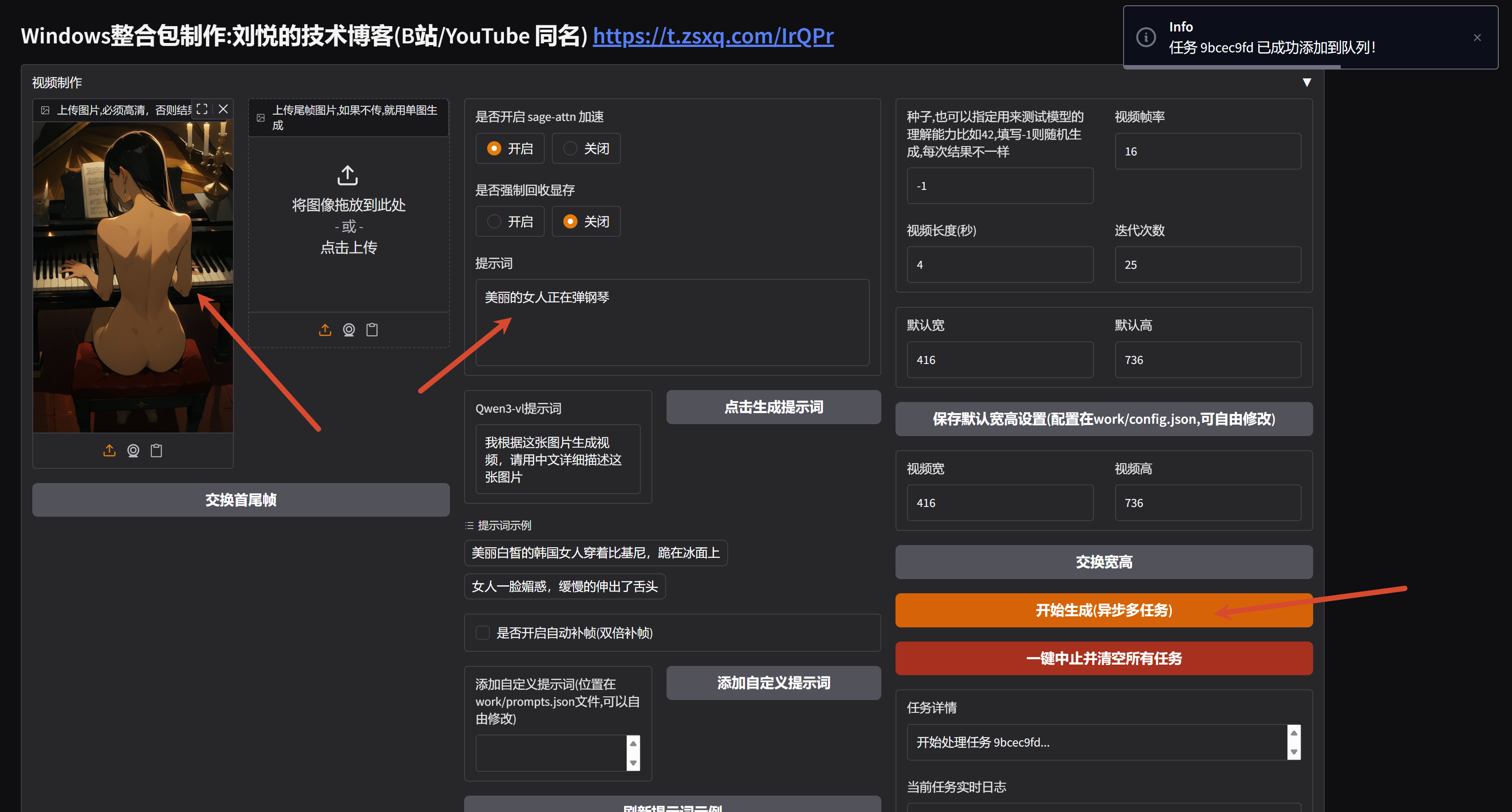
首尾帧
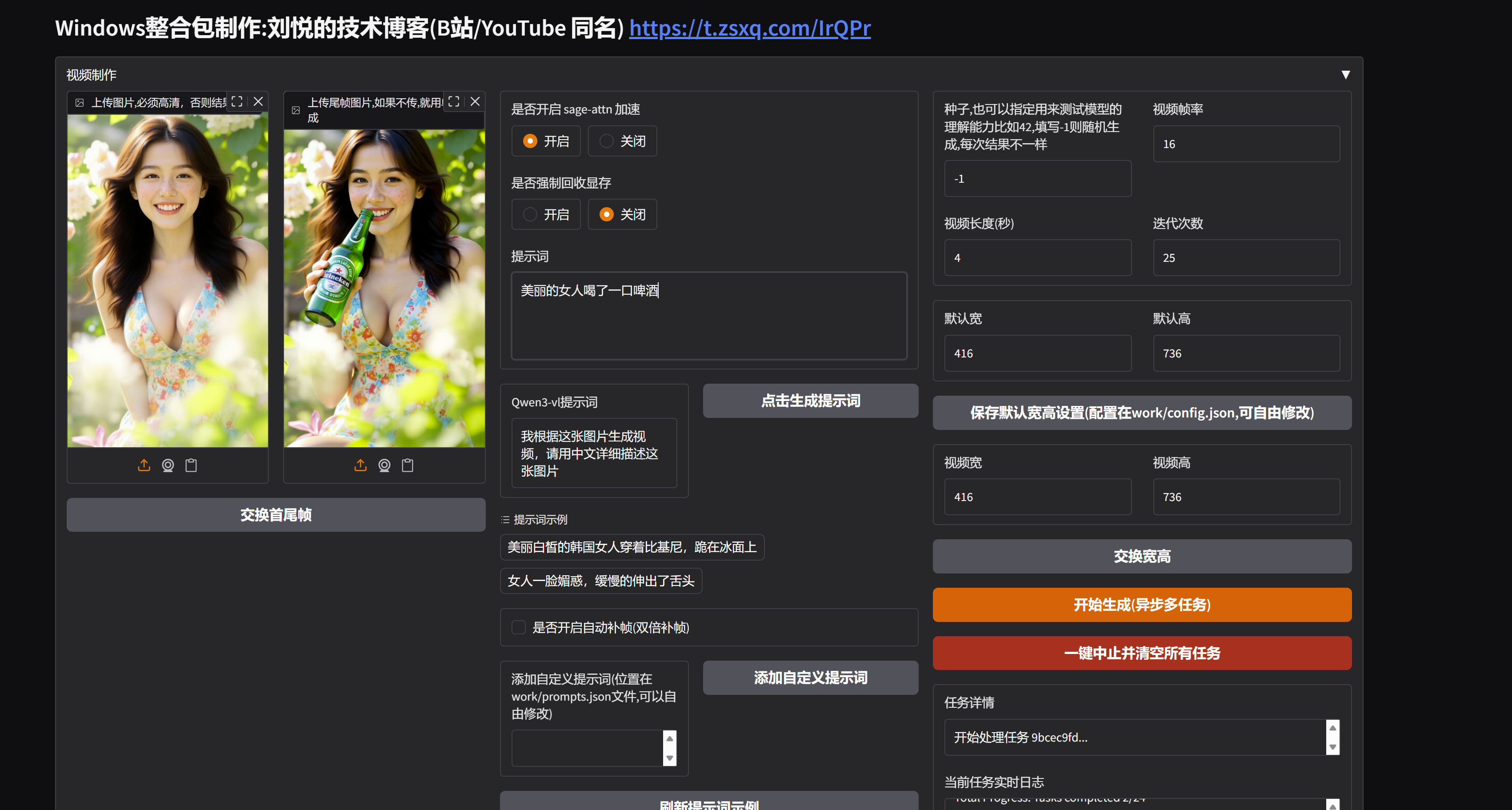
文生视频
 认证作者
认证作者